Gece / Templates / Product & Business
Remove Background — Transform Your Photo with AI
Removes the background in one tap for a clean cutout.


Input: 1 photo · Ready in: ~13 s · Cost: 50 credits
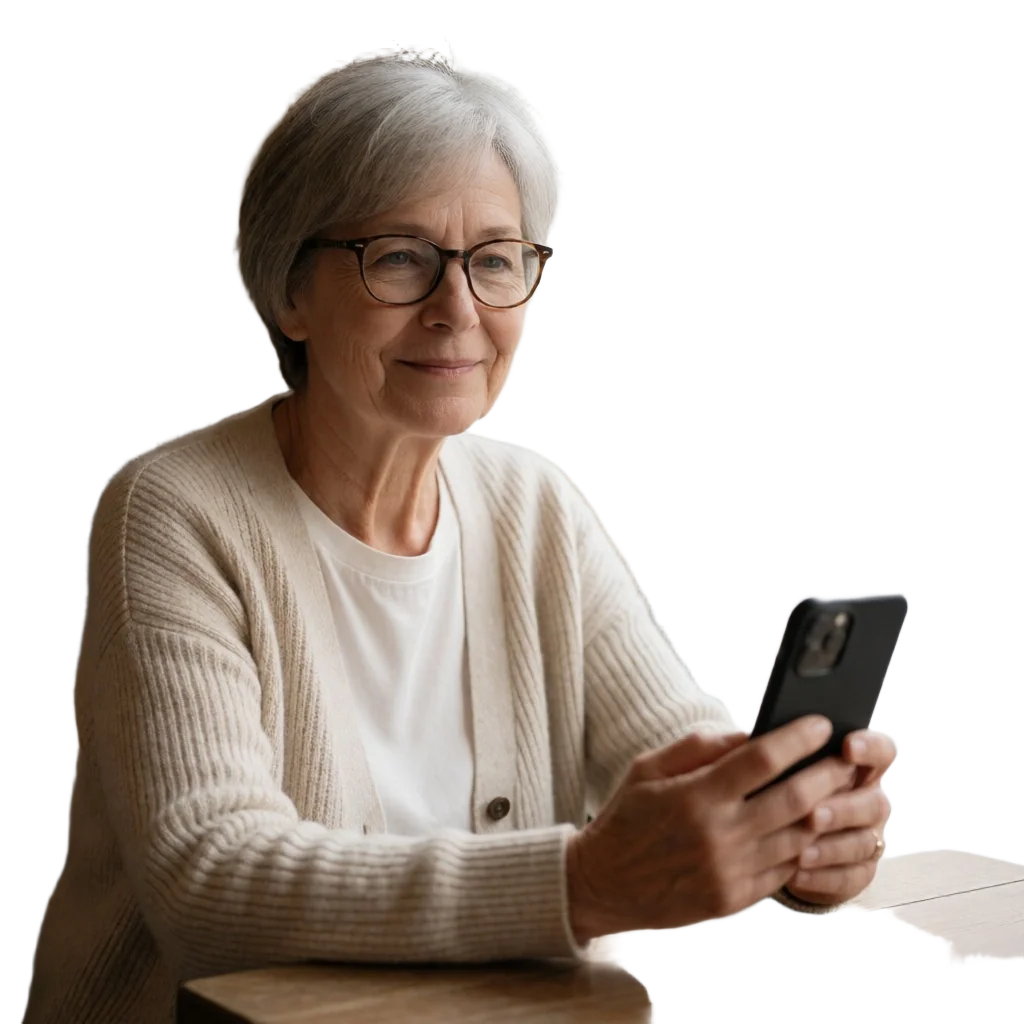
Credits are only deducted after a successful result.
Opens in the Gece app — on the web or in Telegram. The preview was made with a sample image; your result depends on your own photo.
What does this template do?
Removes the background in one tap for a clean cutout. A template from the “Product & Business” collection on Gece: upload your photo and get the result in a few steps.
How it works
- 01Upload your photo
- 02Check the preview and start
- 03Download and share your photo
Similar templates
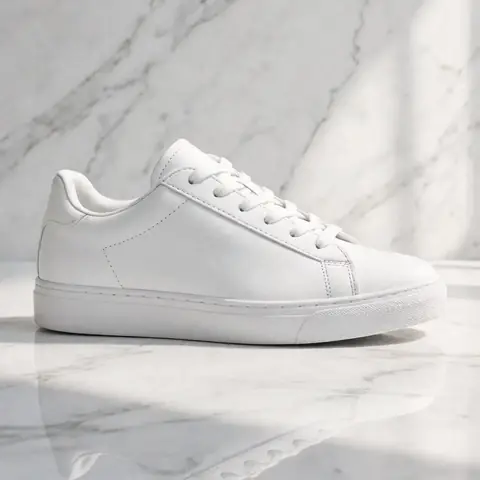
Product Studio
Place your product in a polished studio scene for your shop.

Model Holding Product
A person holds your product naturally in a lifestyle photo.
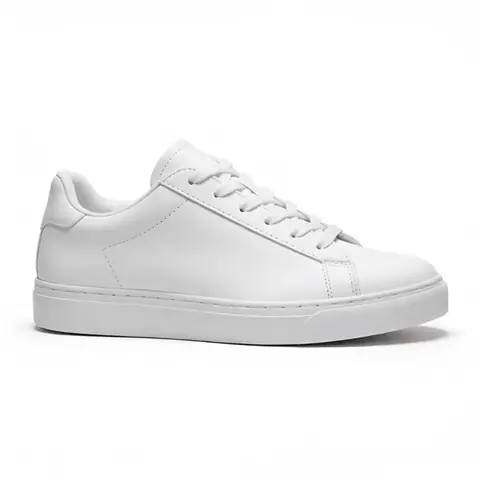 ▶ Video
Product Video Ad
Turns a product photo into a short, polished promo video.
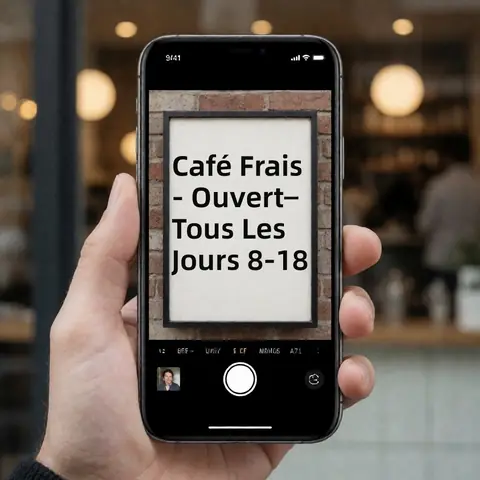
Translate Image Text
Translates the text inside an image into the language you choose.
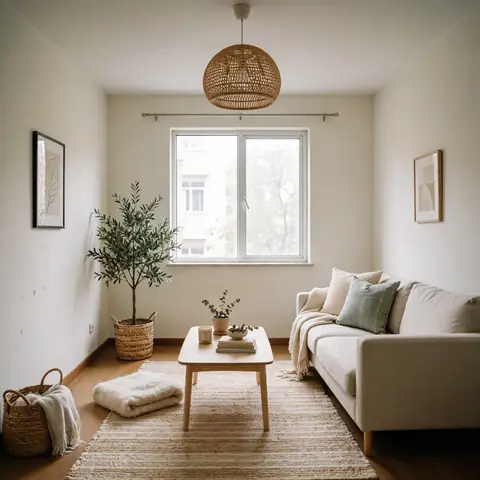
Room Makeover
Upload a room photo and redecorate it in a new interior style.

Anime Portrait
Your photo redrawn as a clean, modern anime illustration.