Gece / Templates / Photo Tools
Enhance & Unblur — Transform Your Photo with AI
Sharpens blurry or low-quality photos and brings out facial detail.


Input: 1 photo · Ready in: ~55 s · Cost: 100 credits
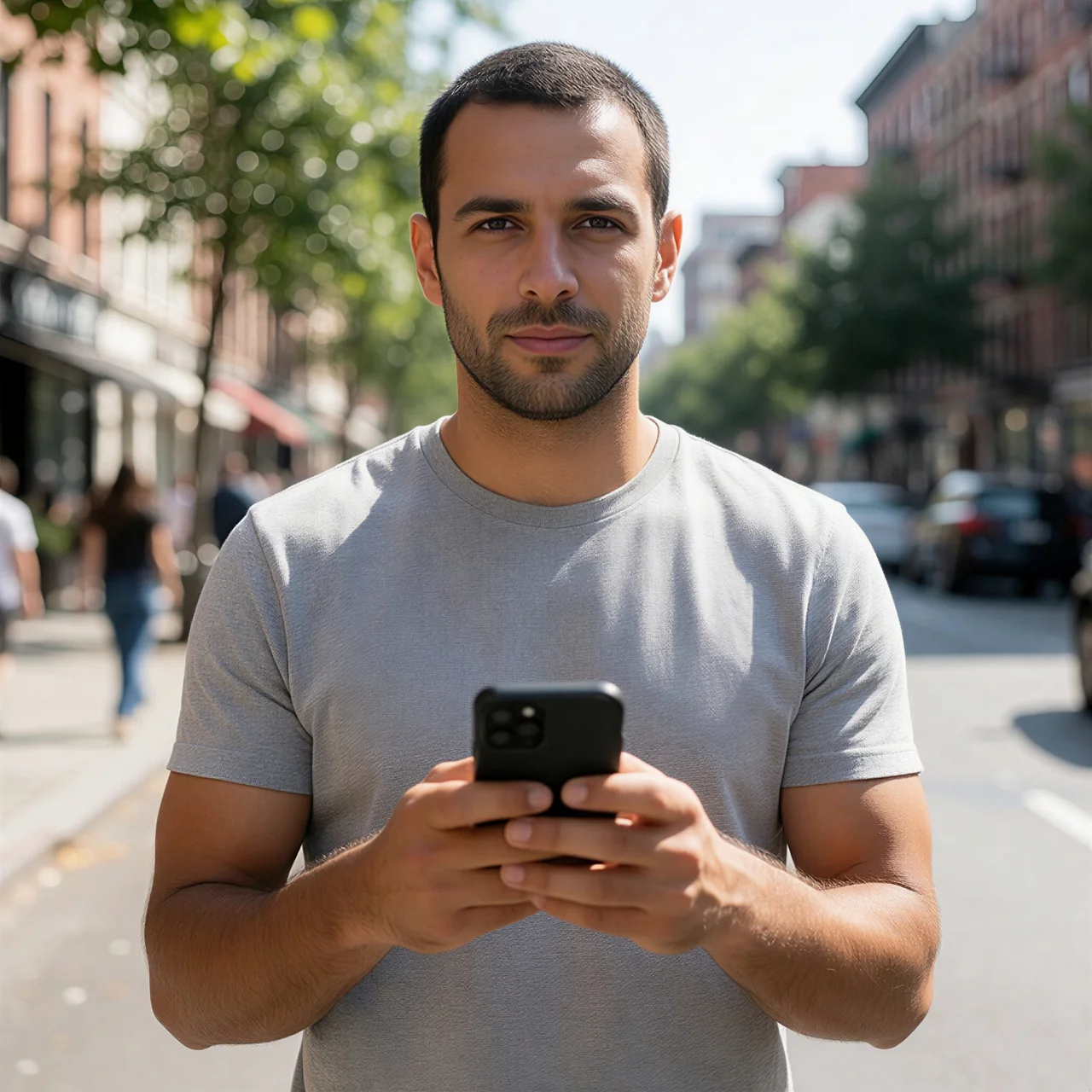
Credits are only deducted after a successful result.
Opens in the Gece app — on the web or in Telegram. The preview was made with a sample image; your result depends on your own photo.
What does this template do?
Sharpens blurry or low-quality photos and brings out facial detail. A template from the “Photo Tools” collection on Gece: upload your photo and get the result in a few steps.
How it works
- 01Upload your photo
- 02Check the preview and start
- 03Download and share your photo
Similar templates
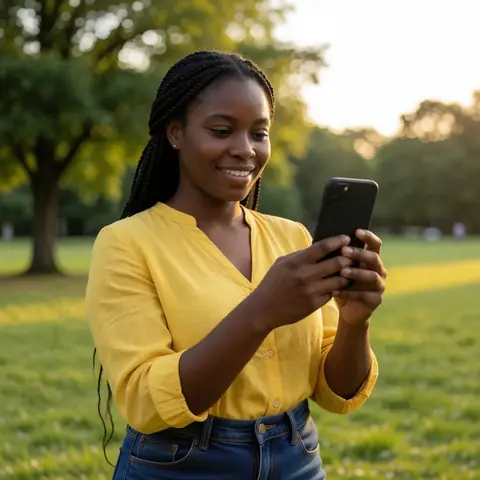
Uncrop
Extends the edges of your photo to show more of the scene.

Magic Eraser
Just type the object you want gone; the gap is filled naturally with the surrounding…
 ▶ Video
Video Clarity
Your video that looks blocky or broken from compression is cleaned up: faces, hair and…
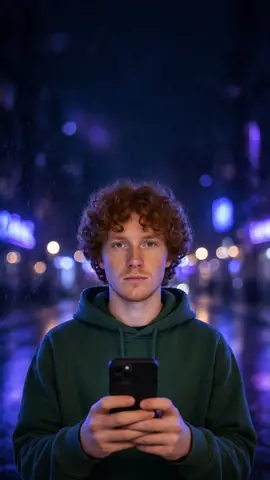
Phone Wallpaper
Place your portrait in a vertical 9:16 phone wallpaper with neon night, pastel studio or…

Replace Sky
Keep the original framing and replace only the sky with a sunset, stars, northern lights…
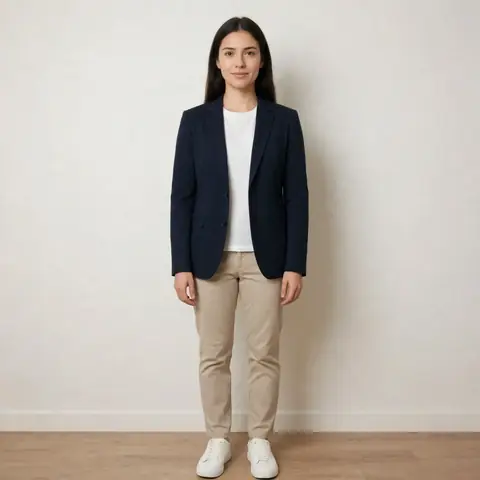
Outfit Gallery
Pick a ready-made look and see it styled on you.